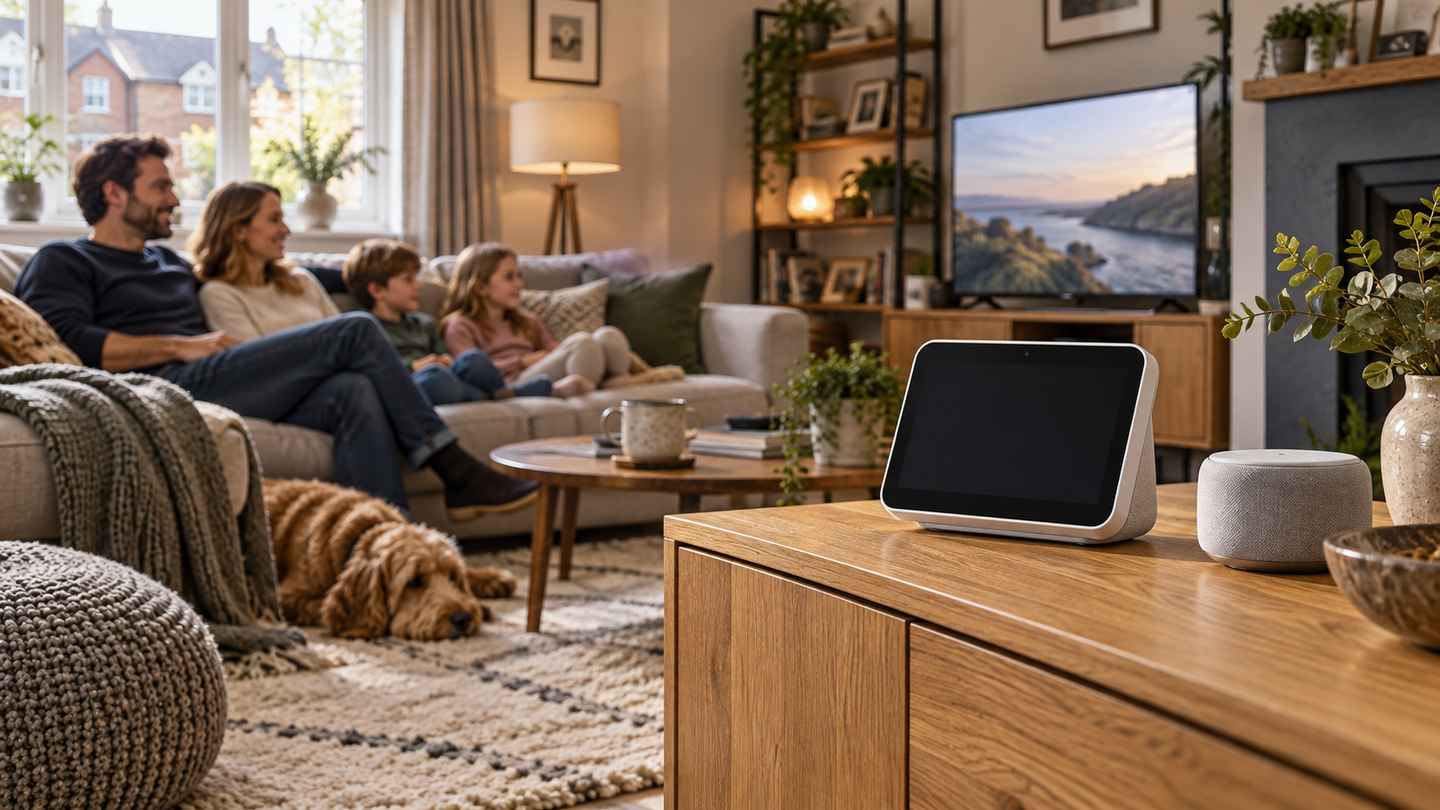
Apple Newsroom’s announcements on 13 October 2026 confirm a £299 HomeView smart display for Britain, a new £299 Apple TV 4K and a £149 HomePod mini 2, with pre-orders opening today. HomePod mini 2 is due from 30 October, while HomeView and Apple TV 4K follow on 13 November. Apple also announced a Home Collection of cameras, heating controls and a door lock developed with LG Electronics and Schneider Electric. The products have different release schedules and software requirements; Siri AI on HomePod mini 2 is promised through a later update, reports The WP Times.
For UK households, the relevant comparison is the complete setup rather than the price of one box. A shared display, television streaming device and voice-controlled speaker serve different purposes, even when all can participate in Apple Home. Personalised AI features depend on compatible devices and software, camera recording can require an iCloud+ subscription, and wall mounting introduces separate installation questions. The confirmed announcements replace pre-launch speculation about the devices, but they do not constitute independent testing of sound, recognition or reliability. This report separates the manufacturer’s claims from verified prices, dates and the existing support guidance that explains how a household would use the connected system.
Apple Newsroom October launch: what are the UK prices and release dates?
Apple’s UK Home range lists HomeView at £299, the new Apple TV 4K at £299 and HomePod mini 2 at £149. The HomeView ordering page lists both the tabletop and wall-mounted versions at £299, with availability from 13 November. Tabletop colours are silver, starlight, rose pink and space grey; the wall-mounted option comes in silver and space grey. A listing price establishes what the device costs in the UK at the time of checking. It does not include every optional accessory, subscription or installation service a particular household may select. Nor does a general availability date establish the delivery date for every order or postcode.
| Announced product | Verified UK starting price | Announced availability | Main distinction |
|---|---|---|---|
| Apple HomeView | £299 | 13 November 2026 | A shared screen for communication, entertainment and home controls |
| HomeView, wall-mounted version | £299 | 13 November 2026 | A fixed-position screen requiring an appropriate mounting arrangement |
| Apple TV 4K, new generation | £299 | 13 November 2026 | Television-based entertainment and home-hub functions |
| HomePod mini 2 | £149 | 30 October 2026 | A compact speaker, with Siri AI due in a future software update |
| Apple Home Collection | Product-specific pricing and regional details | Rollout begins in December; selected products follow in early 2027 | Accessories announced with LG Electronics and Schneider Electric |
HomeView introduces a shared screen with individual accounts
“Apple HomeView is designed to be shared by everyone in the home yet feel completely personal to each user.” (Greg Joswiak, Apple’s senior vice-president of worldwide marketing, HomeView announcement, 13 October 2026.) The HomeView announcement describes a seven-inch display and support for up to six recognised users. Apple says personalised content is separated between them, with access dependent on the enrolled person and a compatible paired device. The company’s description is a claim about the intended operation of the product. This report has not independently tested recognition, account switching or the handling of personal information.
The UK product explanation distinguishes enrolled household members from guests and unrecognised users. A full personalised experience requires an Apple Account, a compatible iPhone or iPad and membership of the shared home. Guests can perform functions such as controlling home accessories, checking weather, setting timers and playing music without gaining access to personal content. That distinction matters in a shared kitchen, sitting room or hallway. A household device is available to more people than a personal phone, so control of lights and access to an individual’s messages should not be treated as the same permission. The setup needs to reflect who lives there and how the screen will be used.
HomePod mini 2 and Apple TV 4K have different upgrade questions
The HomePod mini 2 announcement confirms five colours, an S10 chip and a 30 October release. Apple describes stereo and multiroom audio, plus a four-speaker surround arrangement when paired with the new Apple TV 4K. The UK ordering page lists a 20W USB-C power adaptor in the box. Crucially, the announcement places Siri AI in a future software update. A purchaser should therefore separate features available with the hardware from features whose activation depends on later software. A future-update statement should not be reported as a guarantee that the feature is ready on the day the speaker arrives.
The Apple TV 4K announcement identifies an A19 chip, built-in far-field microphones and a revised Siri Remote. Apple claims faster processor and graphics performance than the previous generation. It also describes a four-speaker home-cinema configuration using matching front and rear pairs of supported HomePod models. Those claims concern a defined configuration, rather than every possible mix of older speakers. For an existing owner, the practical comparison is which feature requires replacement hardware and which arrives through supported software. This article reports the specifications and conditions Apple published; it does not rank the device against rival streamers or claim to have measured its performance.
Apple’s launch material also includes software qualifications for older Apple TV devices. Readers should check the model generation, operating-system version and specific feature rather than assume the entire new experience is limited to a newly bought box. Microphones built into new hardware, a compatible remote and an assistant delivered in software are separate changes. The same discipline applies to speakers: a named family of products does not establish that every generation supports every configuration. A household already using Apple Home can first list the equipment it owns and compare the exact models with the published requirements. That records the actual gap without turning an announcement into an automatic recommendation to replace working devices.
Home Collection accessories are a later rollout
The Home Collection announcement names cameras, thermostats, temperature sensors, a video doorbell and a door lock developed with LG Electronics and Schneider Electric. Apple says rollout begins in December, with selected products following in early 2027. The announcement describes management through the Home app and end-to-end encryption of home data. Availability and suitability still need to be established for the individual accessory and country. A lock’s physical fit, a thermostat’s installation requirements and a camera’s placement are different questions. The presence of all three in a product announcement does not show that any particular UK door, heating system or property is compatible.
The first task is therefore to identify the function being purchased. Someone who wants a screen for calls has a different equipment requirement from someone seeking a television interface or remote control of existing lights. A household adding cameras also needs to decide where recordings will be stored and who will be permitted to view them. Heating and access products introduce physical installation as well as software setup. A shopping list that records only the branded device can omit these dependencies. The relevant comparison is between complete arrangements that perform the same task, with prices, hardware, software and ongoing services shown separately.
Apple HomeView compatibility: what must a UK household set up first?
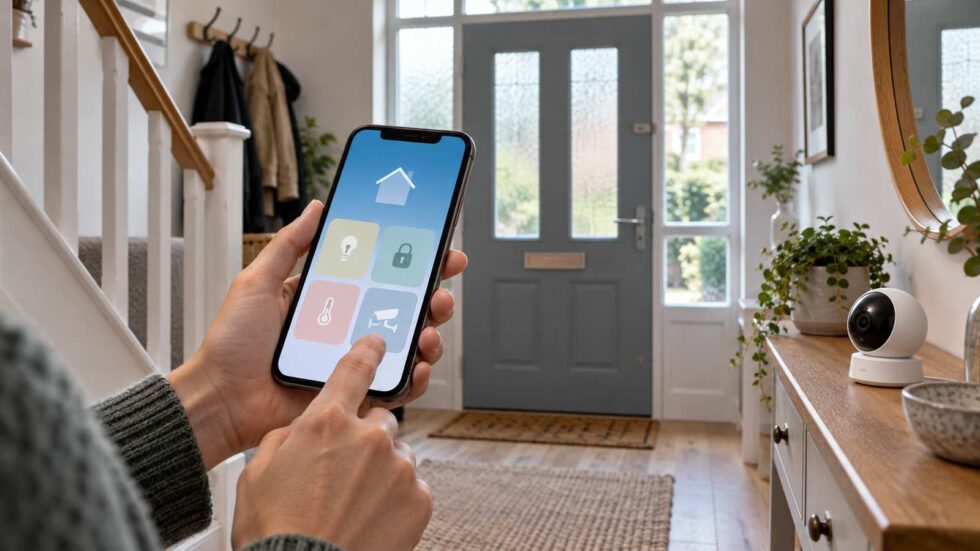
The HomeView store page says setup requires an iPhone running iOS 27.2 or later, or an iPad running iPadOS 27.2 or later. Personal-context AI requests have additional requirements concerning Apple Intelligence-enabled devices, settings and supported languages. These are distinct from the ability of an unrecognised person to use general shared functions. A buyer should check the phone or tablet actually used by each household member. Knowing that someone owns an iPhone does not establish its eligibility for a particular feature. Model, software version, account and enabled settings together determine what the published requirements permit.
Matter compatibility and a home hub are related but different
Apple’s Matter support guidance explains that accessories can be paired through apps supporting the Matter standard. It lists supported categories including lights, locks, sockets, switches, thermostats, blinds and several sensor types. Some recent iPhone arrangements allow local pairing and control without a home hub, while Thread-based accessories have their own hardware conditions. Apple recommends a suitable hub for the best experience. This makes the distinction between local control and a full home setup important. A person standing beside an accessory and controlling it with a supported phone is not demonstrating that the same arrangement will support remote access, household sharing and every automation while the phone is elsewhere.
The home-hub setup article describes hubs as supporting remote accessory control, sharing and automation. It also explains where owners can see the active hub and select a preferred one in Home settings. The device needs to be powered, connected to the home network and configured with the relevant account security. The article predates the new HomeView announcement and should be read alongside current product requirements rather than treated as a complete specification for all newly announced equipment. A hub is part of the system’s ongoing operation. Its location, network connection and ownership settings are therefore relevant after the initial pairing process, not merely on the first day of setup.
| Compatibility check | Record before ordering | Separate question to resolve |
|---|---|---|
| Personal phone or tablet | Exact model and software version | Does the intended personalised feature require Apple Intelligence? |
| Existing accessory | Manufacturer, model and supported integration | Is the claimed function supported in Apple Home? |
| Network and hub | Current hub, power and connection | Is the task local control, remote access or automation? |
| Shared users | Account and home membership | Which controls should each person receive? |
| Installation | Position, power and physical fit | Is additional equipment or professional work needed? |
| Service plan | Existing subscriptions and required features | Which ongoing charges are part of the chosen setup? |
Shared access should match the household’s arrangements
Apple’s guidance on sharing home control through iCloud distinguishes permission to operate accessories from permission to manage people and equipment. It also distinguishes remote access from control on the home’s Wi-Fi network. These settings have different purposes. A visitor may need temporary access to a light or door without being able to add another person or change the system. A household member may need access from outside the property. Recording those intended roles makes it possible to compare them with the available controls, rather than granting a broad permission simply because it is easier during installation.
The family iCloud+ guidance describes sharing a subscription through a Family Sharing group. Subscription sharing and membership of an Apple Home are not interchangeable descriptions of the household. A person can be relevant to one arrangement without automatically having every permission in the other. Before adding equipment, the owner can identify who pays for a service, who uses the home controls and who manages changes. Those roles may belong to different people. A clear setup avoids relying on one person’s phone or payment arrangement without the rest of the household understanding which functions depend on it.
Rooms, scenes and automations need clear names and triggers
Apple’s organisation guidance explains how accessories can be grouped, assigned to rooms and arranged in zones. Grouping is useful when several accessories should behave together, while rooms and zones organise their physical locations. A clear name helps people identify the intended control and can make voice commands less ambiguous. Naming a device after its location is a different task from creating an automated action. A room can contain several separately controlled items, and a zone can contain several rooms. Understanding that structure allows a household to plan how it wants to operate the equipment before adding a large number of accessories.
The scenes and automations guide distinguishes a scene that controls several accessories from an automation triggered by time, location or a sensor event. It includes options for testing a scene or automation before using it. The practical question is what starts an action and what happens next. A motion sensor turning on a light is different from a timetable or an action tied to someone’s arrival. Location-based arrangements have their own device and sharing requirements. A household should examine the trigger, affected accessories and intended users as one arrangement, so that a convenience feature does not behave differently from what residents expect.
Existing equipment should also be checked before a new device is assumed to solve a problem. Apple’s unresponsive-accessory guidance addresses HomeKit and Matter accessories that do not respond in the Home app. The relevant troubleshooting route concerns the accessory, network and supported software rather than the publicity surrounding a new launch. Identifying which part of a system has failed is necessary before deciding what replacement would change. A screen cannot establish that a third-party accessory has suitable connectivity or functioning power. The support route is therefore useful both for installation and for distinguishing an accessory fault from a control or account problem.
Apple Home costs, camera subscriptions and UK ordering: what needs checking?
The published hardware prices establish a starting point for a budget. Four HomePod mini 2 speakers at £149 each cost £596; adding the £299 new Apple TV 4K produces a hardware total of £895. That arithmetic excludes a television, optional services and any other accessories. It is an illustration of the named four-speaker arrangement’s cost, rather than a claim that a household needs it or that it offers the best value. One HomeView at £299 performs a different set of tasks, so comparing its price directly with that entire cinema configuration would conceal the difference in purpose. Costs become comparable only after the required functions and components are identified.
Camera recording and cloud storage are separate from live controls
Apple’s iCloud+ plans guidance distinguishes storage tiers and HomeKit Secure Video recording support. A compatible camera, suitable home setup and an eligible subscription need to be considered together. A live camera view and an archive of recorded events are different functions. An announcement that a camera works with Apple Home does not establish the level of recording included in every plan. The exact camera allowance and AI-related features should be checked against the current plan information. A buyer can then record the recurring cost separately from the camera’s purchase price, rather than discovering the service requirement after mounting the equipment.
The HomeKit Secure Video explanation describes encrypted recording and access through supported Apple devices. The privacy claim concerns how that service handles footage; it does not determine where a camera should point or who in a household should receive viewing permission. Placement and access remain choices to establish during setup. A camera covering an entrance has a different purpose from one used inside a shared room. The relevant questions include the field of view, recording settings, intended users and whether everyone affected understands the arrangement. Encryption should be explained as a specific protection, rather than presented as an answer to every privacy question surrounding a camera.
UK delivery dates and pre-orders require order-specific checks
Apple’s delivery and pickup guidance says the available options and timeframes depend on the items and location shown during checkout. After ordering, customers can check shipment and delivery estimates through Order Status. A launch date is the beginning of announced availability, while an order’s estimate concerns a selected item and fulfilment arrangement. The difference matters for a buyer arranging installation or giving a device as a present. A mixed order can contain products with different release dates. Buyers should retain the order confirmation and check the estimate for each item instead of assuming that everything announced on the same day arrives together.
The payment and VAT guidance explains how authorisation and charging can operate for purchases. A pending card amount can represent a pre-authorisation rather than a completed charge, and items dispatched separately can produce separate payments or invoices. Payment arrangements also affect some delivery circumstances. These details should be read in the context of the chosen method and order. The £299 or £149 product price does not explain the timing of every banking entry. Customers comparing their account with an order should identify whether an entry is pending, which item has dispatched and what the confirmation actually says before treating it as a duplicate or an error.
Returns, warranty and the complete purchase record
Apple’s UK retail sales policy describes its standard return arrangements, including a 14-day period from receipt and conditions concerning the product and included parts. Purchases made through another retailer must be returned through that retailer’s process. The policy also distinguishes the manufacturer’s warranty from UK consumer-law rights. Those routes should not be collapsed into a single promise that every product can be returned in any circumstances. A buyer should keep the receipt, order details and packaging while assessing the equipment. The applicable route depends on the seller, the reason for the return and the terms governing the actual purchase.
The returns and refunds instructions provide the operational route for an Apple order. Returning hardware and cancelling an ongoing service are separate actions, so any subscription associated with a setup should be checked in its own account settings. An installation appointment, wall mount or third-party accessory may also have a different seller and process. A complete purchase record therefore needs to identify each component rather than treating the connected home as one undifferentiated item. That is particularly relevant when equipment is ordered in stages: the dates, seller and service dependencies can differ even though the finished system is controlled from the same app.
For an existing Apple Home household, the useful inventory contains model names, software versions, current permissions, subscriptions and the task each device performs. For a first-time buyer, the same information can be assembled as a proposed setup before ordering. The relevant documents are the UK listing, current compatibility requirements and the terms for the selected products and services. They establish the arrangement being bought without substituting marketing claims for measured performance. Apple’s announcements confirm the products, prices and stated rollout; practical use still depends on completing the particular setup those documents describe.
Materials used: Apple Newsroom HomeView announcement, Apple Newsroom Apple TV 4K announcement, Apple Newsroom HomePod mini 2 announcement, Apple Newsroom Home Collection announcement, Apple UK Home range, Apple UK HomeView store, Apple UK HomePod mini 2 store, Apple UK HomeView product guidance, Apple Support Matter accessories, Apple Support home hubs, Apple Support iCloud home sharing, Apple Support Family Sharing, Apple Support Home app organisation, Apple Support scenes and automations, Apple Support accessory troubleshooting, Apple Support iCloud+ plans, Apple Support HomeKit Secure Video, Apple UK delivery guidance, Apple UK payment guidance, Apple UK sales and returns policies, Google Trends