
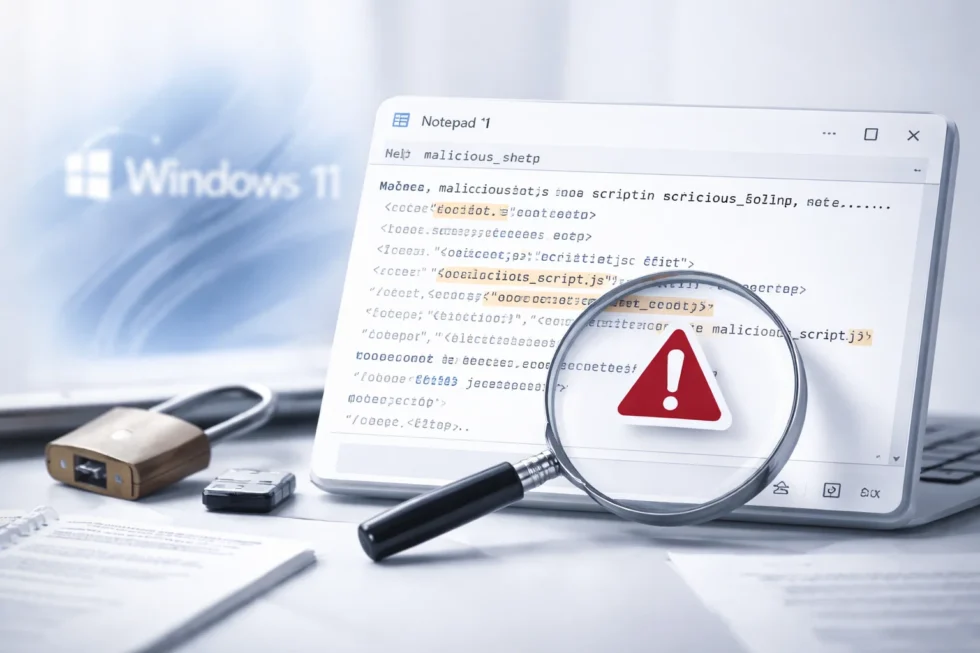
A newly disclosed high-severity security flaw in the Notepad app on Windows 11 has reopened a long-running debate about whether Microsoft is over-engineering one of its simplest and most trusted tools. The vulnerability, tracked as CVE-2026-20841, allows attackers to execute malicious code remotely after a user opens a specially crafted text or Markdown file.
The issue affects the modernised Notepad bundled with Windows 11, which in recent updates gained Markdown support and AI-assisted writing features. According to security researchers and Microsoft’s own advisory, the flaw has a severity score of 8.8 out of 10 and requires only minimal user interaction — a single click — to compromise a system. The WP Times reports that the incident has intensified criticism of Microsoft’s strategy of embedding network-aware and AI-driven features into core system utilities.
What exactly is CVE-2026-20841
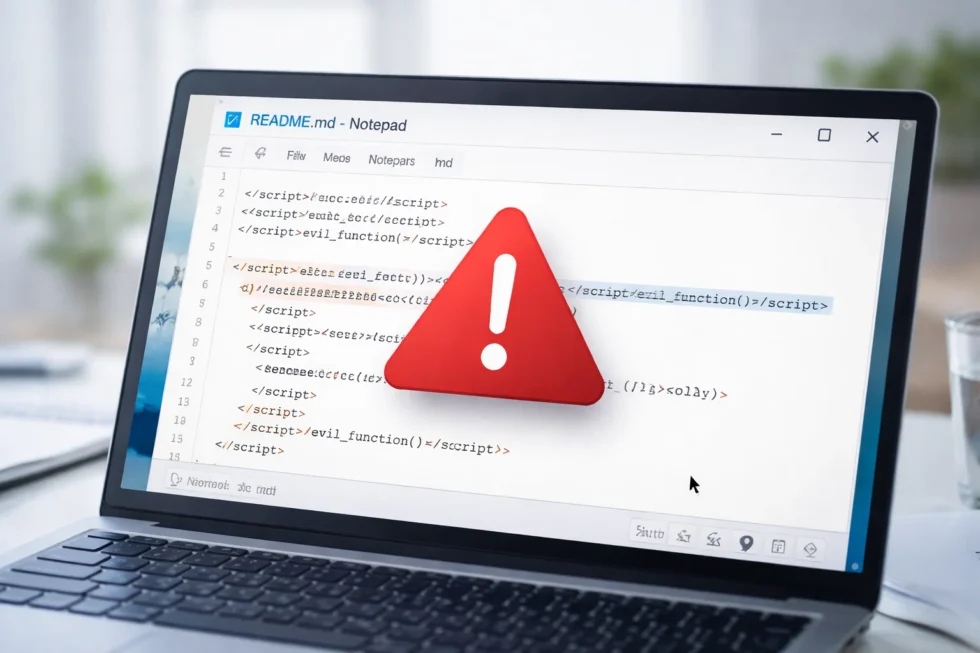
CVE-2026-20841 is classified as a remote code execution (RCE) vulnerability. It stems from how Notepad handles links embedded inside Markdown files. When a user opens such a file and clicks a malicious link, the application can be tricked into launching unverified protocols that download and execute remote code. Microsoft’s security advisory describes the flaw as an improper neutralisation of special elements used in a command, a category often associated with command-injection attacks. Importantly, the attack does not require administrative privileges. The malicious code runs with the same permissions as the logged-in user, which is still enough to access sensitive personal or corporate data, install malware, or establish persistence on the system.
Why Notepad became a target
For decades, Notepad was considered one of the safest applications in Windows precisely because of its limited functionality. It opened plain text files and little else. That changed in 2025, when Microsoft introduced Markdown support and later added AI-powered features such as rewriting, summarisation and text generation on Copilot-enabled devices. Security researchers argue that these additions expanded Notepad’s attack surface without delivering clear benefits to most users. Malware researchers from the vx-underground collective summarised the sentiment bluntly on X: “Text editors don’t need network functionality.” The concern is not just theoretical — the new vulnerability directly exploits those modern features.
How attackers could exploit the flaw
The attack scenario is technically simple and relies on social engineering rather than complex hacking techniques:
- An attacker sends a malicious Markdown or text file via email, messaging apps or cloud storage.
- The victim opens the file in Notepad, which is the default app on most Windows systems.
- A single click on a disguised link inside the file triggers the exploit.
- Remote code is executed with the user’s permissions.
Because phishing remains one of the most effective cybercrime tactics, security experts warn that even low-complexity vulnerabilities can have wide impact when built-in Windows apps are involved.
Microsoft’s response and patch status
Microsoft addressed CVE-2026-20841 as part of its February 2026 Patch Tuesday updates. The company confirmed that the vulnerability was not known to be exploited in the wild at the time of disclosure. Alongside this fix, Microsoft released patches for six additional zero-day vulnerabilities and around 50 other security issues across the Windows ecosystem.
Users who keep automatic updates enabled should already be protected. However, organisations with delayed patch cycles or custom system images may remain exposed if updates have not been applied.
A wider debate about forced AI features
The Notepad flaw has become symbolic of a broader controversy surrounding Microsoft’s approach to AI integration. Critics argue that features such as AI writing tools and Markdown rendering are enabled by default, even for users who never asked for them. Computer engineers and long-time Windows users have complained that Notepad is becoming slower, more complex and harder to audit from a security perspective. While Microsoft allows most of these features to be disabled in settings, the fact they ship enabled means millions of systems are exposed by default. From a cybersecurity standpoint, each added feature introduces new dependencies, libraries and code paths — all potential sources of future vulnerabilities.
What Windows 11 users should do now
Security professionals recommend several practical steps:
- Install all February 2026 Windows updates immediately, especially on work devices.
- Disable Markdown and AI features in Notepad if they are not required.
- Treat unexpected text and Markdown files with the same caution as executable attachments.
- Use endpoint protection software capable of detecting malicious protocol launches.
- In corporate environments, restrict default app behaviour via group policies where possible.
Although Notepad itself is a small component of Windows, the implications are broader. The incident highlights how feature creep in core utilities can undermine long-standing security assumptions. Tools once considered safe because of their simplicity now require the same threat modelling as browsers or email clients. As AI features become increasingly embedded across operating systems, security researchers warn that similar vulnerabilities are likely to emerge elsewhere — particularly where local apps gain network access or automated decision-making capabilities.
The long-term lesson for Microsoft and users
The CVE-2026-20841 vulnerability underscores a tension at the heart of modern software development: innovation versus restraint. While Microsoft is under pressure to demonstrate AI leadership, the Notepad case suggests that not every application benefits from intelligence, connectivity or automation. For users and organisations, the episode is a reminder that keeping systems updated and unnecessary features disabledremains one of the most effective defences. For Microsoft, it raises a more fundamental question — whether modernising legacy tools should prioritise novelty, or preserve the qualities that made them trusted in the first place.
Read about the life of Westminster and Pimlico district, London and the world. 24/7 news with fresh and useful updates on culture, business, technology and city life: Is Your System Safe? Windows 10 End of Support and Cybersecurity Risks