
UK users of app-controlled vibrators faced widespread reports of connectivity failures, Bluetooth drops, remote control lag, app crashes, and subscription-related feature locks affecting long-distance sex toy functionality. The guide covers all major problems, including firmware failures, overheating, weak signals through clothing, and phone permission conflicts, providing practical solutions for vibrator troubleshooting. Users are advised to check device compatibility, update apps, optimise settings, and follow manufacturer guidance to prevent interruptions during use. This comprehensive overview equips adult toy app users in the UK with actionable steps to maintain reliable performance. This is reported by The WP Times.
Bluetooth Connection Problems in UK App-Controlled Vibrators
Bluetooth connectivity is the most commonly reported technical issue. Users often experience dropped signals or complete failure, especially when devices are worn internally or used under clothing. Metal objects, phone placement, and Bluetooth Low Energy (BLE) limits exacerbate the problem.
UK-specific tips:
- Keep the controlling smartphone on the same side of the body as the device.
- Use front pockets or waistbands to improve signal.
- Avoid heavy coats, metallic belts, or bags during use.
- Pair the device to the user’s phone first; allow partner access via the app afterward.
Persistent problems often indicate design limitations in the device’s antenna.
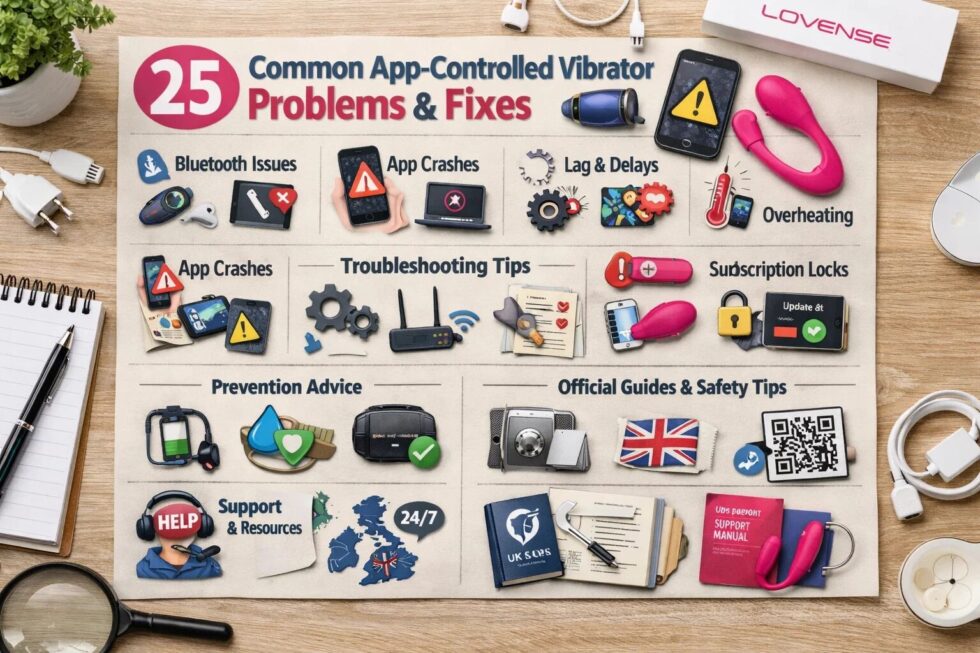
Remote Control Lag and Performance Delays
Delayed responses and stuttering patterns occur when controlling devices remotely, particularly over long distances. Causes include Bluetooth latency, mobile network instability, battery-saving modes, or unoptimised app performance.
What UK users should do:
- Close all background apps.
- Disable battery optimisation features.
- Use Wi-Fi where possible for long-distance sessions.
- Keep the device fully charged.
- Simplify vibration patterns to improve responsiveness.
App Crashes and Instability
App crashes can occur due to operating system incompatibility, low RAM, insufficient storage, or permission issues.
Practical fixes:
- Restart the phone before use.
- Update both the vibrator app and the smartphone OS.
- Clear app cache on Android devices.
- Delete and reinstall the app if crashes persist.
Long-Distance Connectivity Failures
Partner connection problems often occur with long-distance features. UK networks or hotel Wi-Fi may block peer-to-peer traffic, preventing successful pairing.
Steps to resolve:
- Both users log out and log in again.
- Ensure both app versions match.
- Use mobile data instead of restricted Wi-Fi.
- Re-link accounts in the app.
- Restart both phones.
Server outages cannot be resolved by users and require manufacturer support.
Firmware Update Risks
Firmware updates can cause devices to become temporarily unresponsive. Issues arise from weak Bluetooth signals, low battery, interrupted updates, or corrupted files.
Preventive measures:
- Fully charge devices before updates.
- Keep the smartphone close during the process.
- Disable auto-lock features.
- Follow manufacturer instructions for factory resets if needed.
UK customers are advised to check device warranties before attempting updates.
Battery Drain and Power Management
App-controlled devices may experience fast battery depletion due to intensive patterns, multiple motors, and long-distance connectivity.
Optimisation tips:
- Limit rapid intensity changes.
- Avoid maximum power for extended periods.
- Turn devices off immediately after use.
- Fully charge before use.
App Permissions and Privacy in the UK
Apps may request access to location, camera, microphone, contacts, and storage. Location permission is mandatory for Bluetooth on Android; camera/microphone access is needed for video features.
UK guidance:
- Deny unnecessary permissions.
- Disable camera/mic when not using video modes.
- Review privacy policies; UK GDPR applies to data collection.
Weak Signal Through Clothing
Heavy clothing, metallic objects, and phone placement can block signals.
Tips:
- Use front pockets or waistbands.
- Avoid thick jackets and accessories.
- Adjust device position as needed.
Hotel and Public Wi-Fi Issues
Long-distance functionality may fail on hotel or campus networks due to firewalls or captive portals.
Workarounds:
- Use mobile data for the device.
- Reserve Wi-Fi for video calls while mobile handles vibrations.
- Avoid restrictive networks at workplaces or educational institutions.
Subscription Locks and Feature Restrictions
Some apps restrict advanced vibration patterns or long-distance control behind subscriptions.
UK advice:
- Check app screenshots and reviews before purchase.
- Use free features if subscriptions are undesired.
- Choose brands known for fully-featured apps without paywalls.
Overheating During Use
Devices may overheat due to motor load, battery use, or prolonged sessions.
Safety guidance:
- Take breaks every 10–20 minutes.
- Reduce intensity during extended sessions.
- Contact manufacturer support if overheating persists.
Visual Guide: UK Troubleshooting Quick Reference
| Problem | Cause | Fix / Preventive Action |
|---|---|---|
| Bluetooth drops | Body/clothing interference | Move phone closer, front pocket, avoid metal |
| Lag | Battery optimization, background apps | Close apps, fully charge, reduce patterns |
| App crash | OS/app incompatibility | Restart, update, reinstall |
| Firmware failure | Low battery, weak signal | Charge 100%, stay close, follow reset |
| Battery drain | Intensive patterns, long-distance | Reduce intensity, turn off after use |
| Overheating | Motor/battery load | Take breaks, lower intensity, contact support |
| Feature lock | Subscription/paywall | Check reviews, use free modes, choose reliable brand |
Brand Reliability and User Responsibilities
Selecting a reliable brand ensures stability and proper customer support. Essential features include:
- In-house development for rapid bug fixes.
- Server monitoring for long-distance features.
- Clear app permission explanation.
- Frequent OS-compatible updates.
- Hardware warranties and offline/local operation options.
UK users should also ensure products comply with CE/UKCA markings and data handling complies with GDPR regulations.
Understanding common issues and troubleshooting methods helps UK users prepare for smooth app-controlled vibrator use. Checking device compatibility, battery, Bluetooth signal, and permissions is essential. Awareness of subscription structures, server dependencies, and network limitations ensures minimal disruption. Users should follow official troubleshooting guides, contact manufacturer support when necessary, and test devices in intended environments before long-distance or public use.
Read about the life of Westminster and Pimlico district, London and the world. 24/7 news with fresh and useful updates on culture, business, technology and city life: Audi unveils first Formula 1 team kit with adidas ahead of 2026 debut in UK